


For LinkedIn, Buy Me a Coffee, X / Twitter, Bluesky, Mastodon, Ko-fi, Twitch, Patreon, Discord
Omnivix a banner generator Create profile banners you actually want to use

How it works
Pick a template
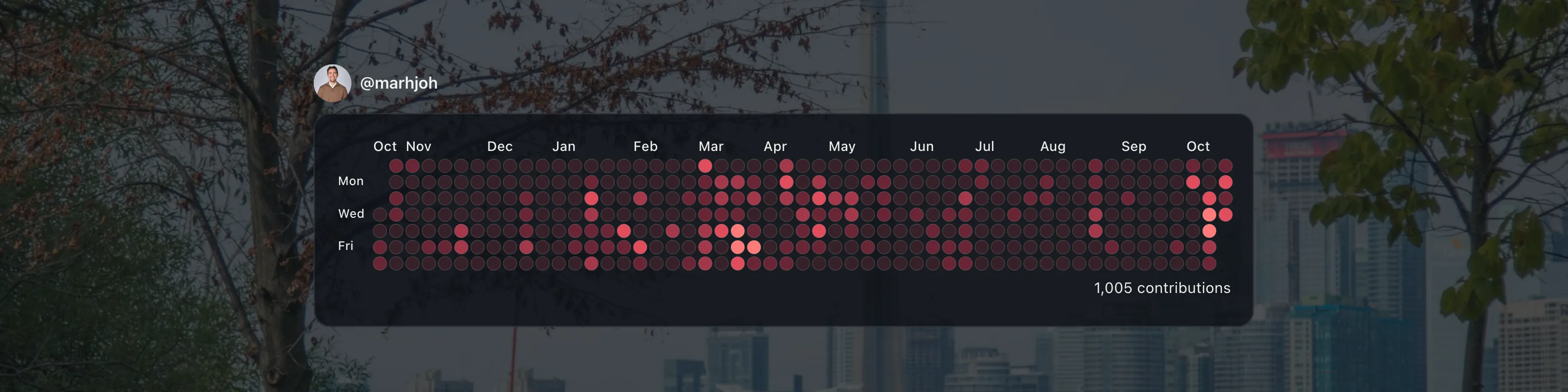
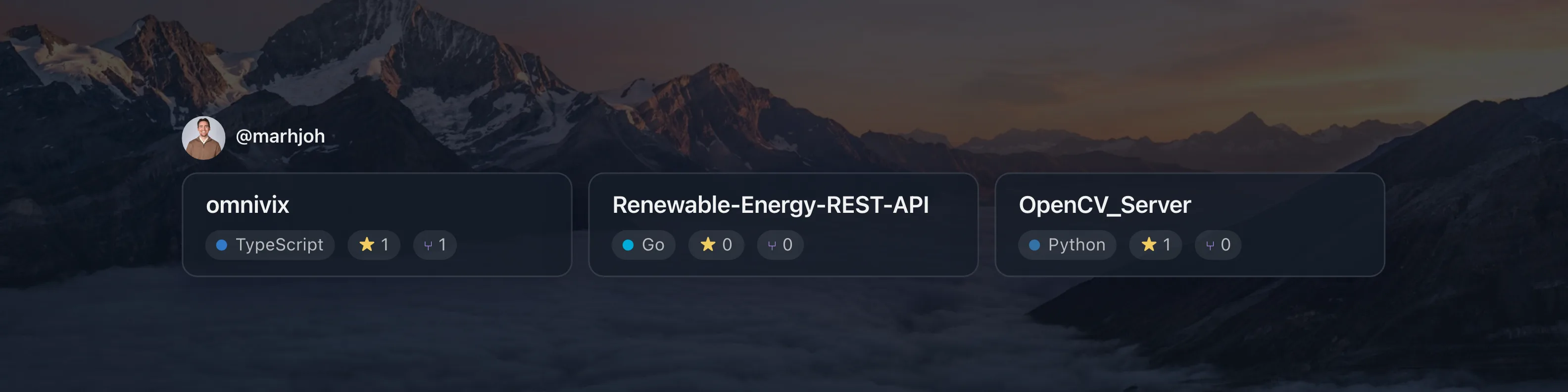
Start from your GitHub profile, your repositories, your contribution heatmap or a quote.
Enter your GitHub username
Omnivix loads your public GitHub data. No sign-in needed, and the quote template needs no username at all.
Customize and download
Choose a background and layout, then download a sharp PNG or JPEG sized for LinkedIn, X, Bluesky, Twitch and more.
Questions
What is Omnivix?
Omnivix is a free web app that creates profile banners for LinkedIn, X (Twitter), Bluesky, Twitch and more from your GitHub profile, repositories and contributions, or from a quote you choose.
Is Omnivix free?
Yes. Omnivix is free to use, with no account, sign-up or watermark.
Is Omnivix open source?
Yes. Omnivix is open source under the MIT license, and the code is on GitHub at github.com/marhjoh/omnivix.
Do I need to sign in with GitHub?
No. Omnivix only needs your GitHub username and reads public data through the GitHub API. It never asks for your password or access to your account.
Which banner sizes does Omnivix support?
One format per aspect ratio: 4:1 (1584 × 396 px) for LinkedIn, Buy Me a Coffee; 3:1 (1500 × 500 px) for X / Twitter, Bluesky, Mastodon, Ko-fi; 5:2 (1500 × 600 px) for Twitch, Patreon, Discord. Banners download as PNG or JPEG at 1×, 2× or 3× resolution: 1× is the platform's exact size, and 3× (the default) stays sharp on high-resolution screens. JPEG files are much smaller, for platforms with upload limits.
Can I use my own background image?
Yes. Pick one of the 14 built-in backgrounds, link to an https image, or upload your own PNG, JPEG, WebP, AVIF or HEIC image (up to 12 MB). Uploads are processed in your browser and only sent to the server while your banner is exported.
What GitHub data does Omnivix use, and is it stored?
Only public data: your name, avatar, contribution calendar and public repositories with their languages, stars and forks. It is kept in server memory for a few minutes (up to six hours for past years' contributions) to stay within GitHub's rate limits, and never saved to a database.
Why are some of my contributions missing?
Omnivix shows the same contributions as your GitHub profile. Private repositories count once you turn on “Include private contributions on my profile” at github.com/settings/profile, and only the counts are shown. Work on a separate account, GitLab, GitHub Enterprise Server, an unlinked email address or a non-default branch never counts. Changes can take up to 3 minutes to show. More at docs.github.com/en/account-and-profile/how-tos/contribution-settings/troubleshooting-missing-contributions.